
Contact Support
Via My Billit create support Cases, View status, add Information, give access to Production Environment
Create Support Ticket from My Billit User Interface
The best way to create a case for Billit support is via the My Billit interface in the production environment (not sandbox).
Click on the help button:
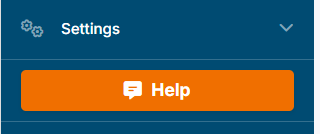
You can fill in the data. Some special elements:
- you can give it a category (allows better dispatching at Billit)
- Billit has automatically you contact details and company info
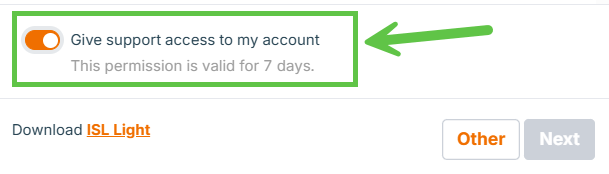
- You can give access to billit for a limited period (not mandatory)
- files can be uploaded (PDF, images). You can send Json or XML files later via email, convert to txt extension (not json or xml).
- you can make screenshot from your screen
Create Support Ticket from My Billit User Interface
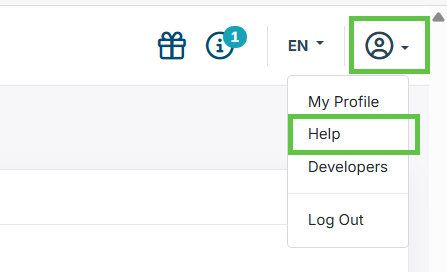
You can monitor all your tickets via MyBillit in the production environment. Go to your profile, Help:
You can give access to Billit for a limited time (7 days) by confirming the following:
Support case items Overview, Case Number
Via your profile, Help you can launch your support overview:
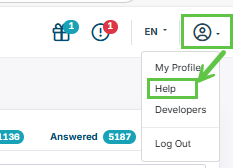
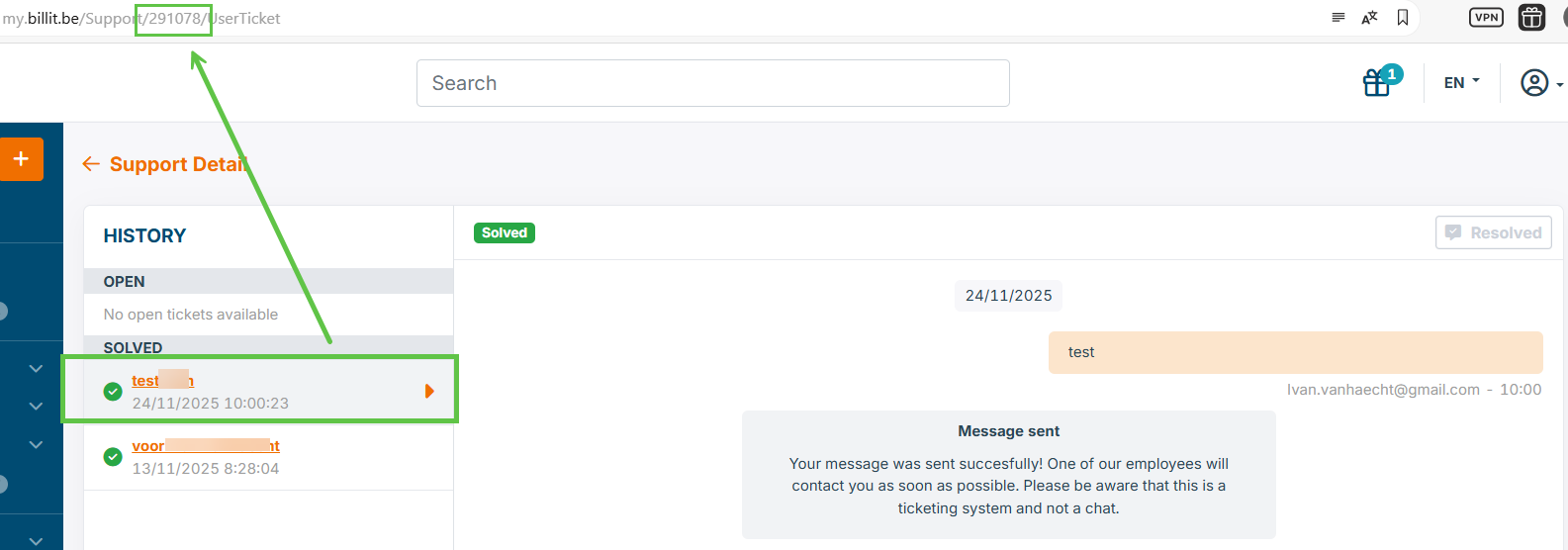
This overview contains Open and Solved items. when selecting one item, you can find in the URL the number of the support case (ticket).
Updated 8 months ago
Did this page help you?